The First Draft Hack: How to Use AI for Writing
Writer's block is optional. How to use AI to generate the 'vomit draft' so you can skip to the editing.
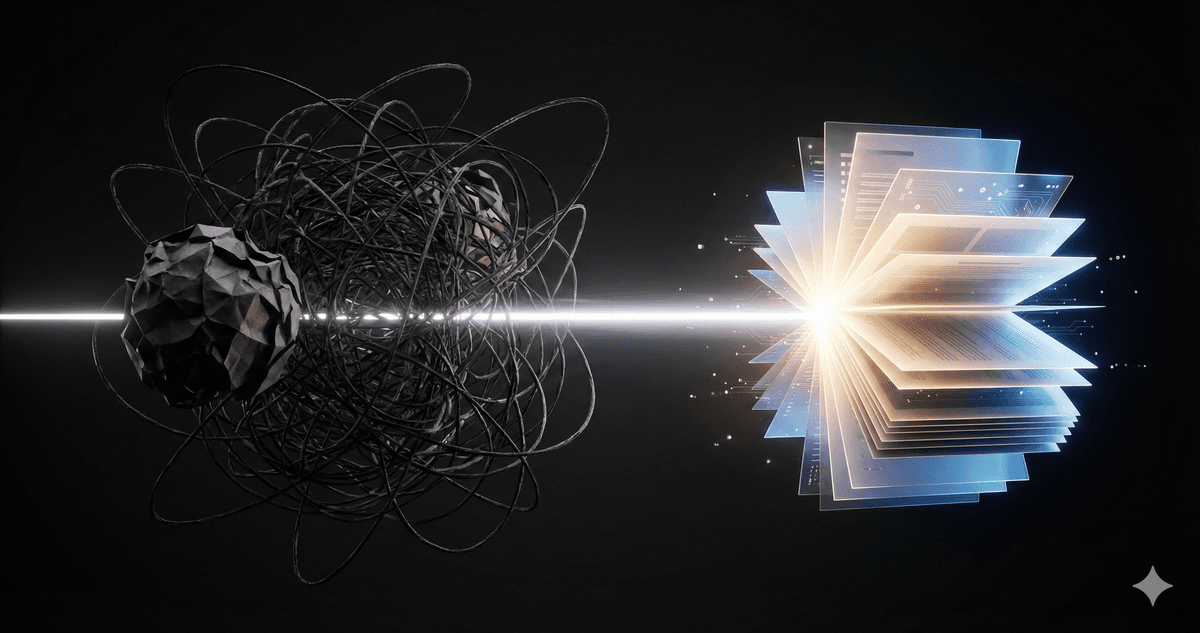
The First Draft Hack: How to Use AI for Writing
There is nothing scarier than a blinking cursor on a blank white page.
Whether it’s a difficult email, a cover letter, or a project proposal, the hardest part is starting. You type a sentence. You delete it. You type it again. You get coffee. You come back and delete it again.
This is where AI shines. Not as a replacement for your writing, but as a cure for Writer’s Block.
The Psychology: Editing vs. Creating
Here is a universal truth of writing: It is infinitely easier to fix bad writing than to create good writing from scratch.
When you edit, your brain is in "critic mode." It looks at a sentence and says, "No, that's too formal," or "That needs more punch." Your brain loves critic mode. It's easy.
When you create, your brain is in "artist mode." It has to pull ideas out of the ether. That is hard.
The Hack: Use AI to skip "Artist Mode" entirely and jump straight to "Critic Mode."
The "Vomit Draft" Strategy
Professional writers often talk about the "Vomit Draft"—a first version so bad you wouldn't show it to your mother. Its only job is to exist.
AI can generate a Vomit Draft in 10 seconds.
The Prompt: "I need to write a [Email/Memo/Letter] to [Audience] about [Topic]. The main points are:
- [Point A]
- [Point B]
- [Point C]
Write a rough draft. Don't worry about tone yet, just get words on the page."
What happens next? The AI spits out 300 words. They might be generic. They might be a bit robotic. That doesn't matter.
Because now, you have something to fix. You can look at paragraph 2 and say, "That's wrong, I'll delete that." You can look at the intro and say, "I'd say that differently."
Suddenly, you aren't writing. You're editing. And you'll be done in half the time.
The "Talk-to-Text" Cheat Code
Sometimes, even typing feels like too much work. This is where the best hack of 2026 comes in: Don't write. Talk.
Most of us can speak 150 words per minute but only type 40. (This is the power of Voice Mode).
How to get your voice into the AI:
- The Mobile App (Easiest): Open ChatGPT, Gemini, or Claude on your phone. Look for the Microphone icon inside the text box (not the headphones). Tap it and start talking. It will transcribe your words into text.
- Desktop Dictation: On your computer, click the chat box and use your system's dictation shortcut (usually
Win+Hon Windows orF5on Mac).
The Workflow:
- Ramble. Just talk. Don't worry about grammar, "umms," or pauses. Just get the raw thoughts out.
- Prompt: "I just rambled this. Clean it up, organize it into bullet points, and make it sound professional."
You will be shocked at how good the result is. You act as the "Idea Generator," and the AI acts as the "Professional Scribe."
3 Ways to Unstick Yourself
If you don't even have enough ideas for a Vomit Draft, try these "Unsticking" prompts:
1. The "List of Opens"
"I'm writing a cover letter for a job at a startup. Give me 5 different opening sentences ranging from 'Professional' to 'Bold'."
2. The "Tone Police"
"I wrote this email while I was angry. I need to send it, but I don't want to get fired. Rewrite it to sound professional, calm, and solution-oriented: [Paste Angry Email]"
3. The "Structure Save"
"I have all these random thoughts for a blog post. Organize them into a logical outline with headings: [Paste Random Thoughts]"
Try It Yourself: The "Brain Dump" Challenge
We are going to turn a mess into a masterpiece in three steps.
Step 1: The Ramble (The Mess)
Open a new chat. Type (or dictate) the most chaotic, unorganized stream-of-consciousness thoughts you have about a topic. Use slang, typos, whatever. Just get it out. Example: "Ok so I need to tell the team that we are moving the meeting to tuesday bc I have a dentist appt and also we need to talk about the Q3 budget which is a mess and dave needs to bring the snacks."
Step 2: The Structure (The Fix)
Prompt: "Turn this messy brain dump into a clear, bulleted agenda for a team email." Result: A clean list of points.
Step 3: The Polish (The Output)
Prompt: "Now write the actual email. Keep it short and friendly."
Compare Step 1 to Step 3. You just did 10 minutes of "writing" work in 45 seconds of "thinking."

Want to keep learning?
Get our free AI Starter Kit — 5 lessons delivered to your inbox.
Join readers learning AI in plain English. No spam, ever.